Saving and importing BuildingGen configurations
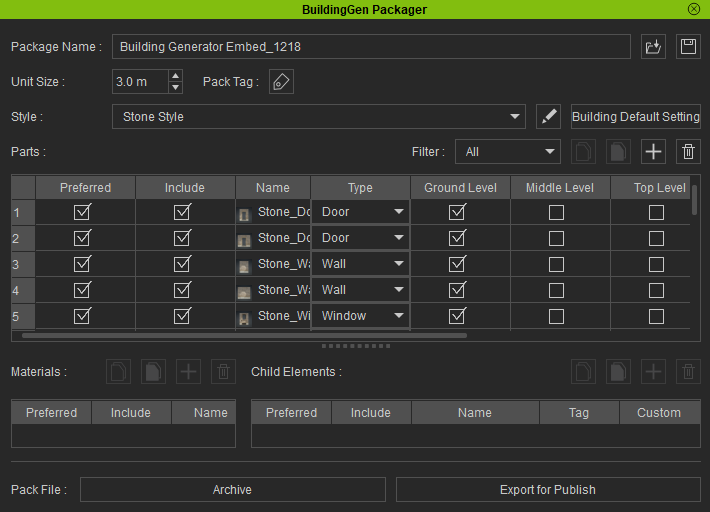
The BuildingGen Packager enables you to load and save custom iBuildingConfig files. This helps developers save the current settings for reuse and makes it easy to perform tests on unit parts and diagnose issues with pivot positions and material settings.
Saving an iBuildingConfig file
Saving your building package as an iBuildingConfig file enables you to quickly review buildings created with your building style settings before finalizing them.
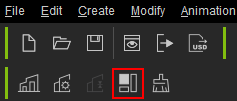
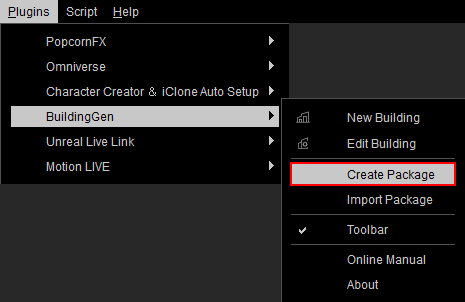
- Click on the Create Package icon in the toolbar to open the BuildingGen Packager panel, or navigate to Plugins > BuildingGen > Create Package.
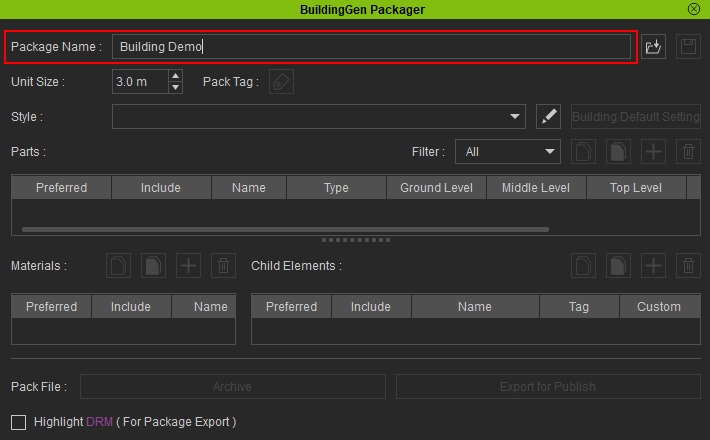
- In the Package Name section, input the name you want for your building pack.
- In the Style section, click on the Edit Style List button to open the Style List modal window.
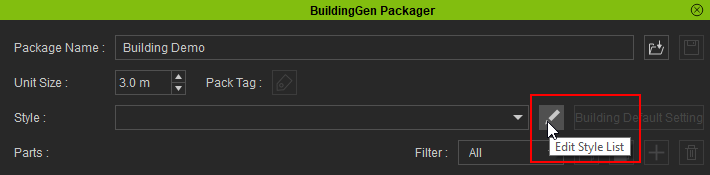
- Click the Add icon to append a new style to the list.
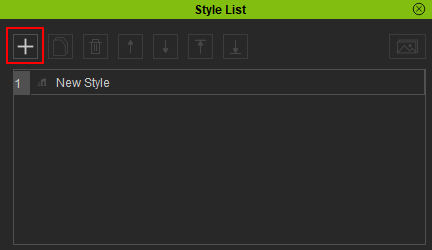
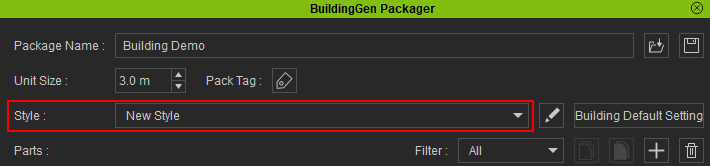
- Close the Style List window and the Style section will be updated with the newly added style.
The Save iBuildingConfig button will be enabled, letting you save your current settings whenever needed.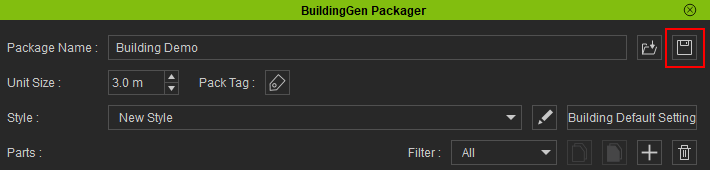
Importing an iBuildingConfig file
The BuildingGen Packager panel can be used to modify your imported building styles. By adding new components to your BuildingGen package, you will have effectively diversified the options for building construction.
- Click on the Create Package button in the toolbar to open the BuildingGen Packager panel, or navigate to Plugins > BuildingGen > Create Package.
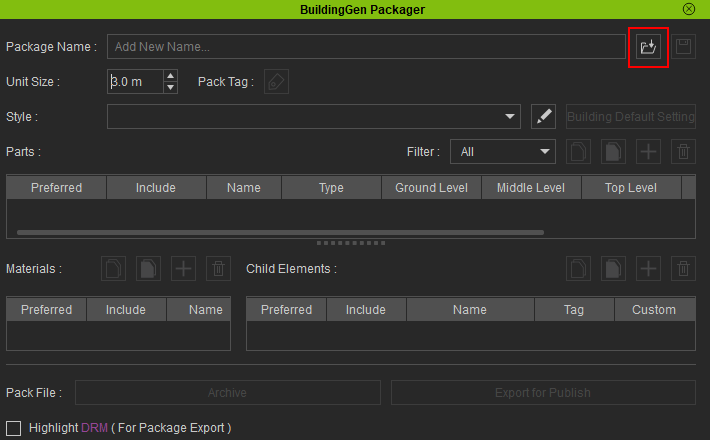
- Click the Load iBuildingConfig button.
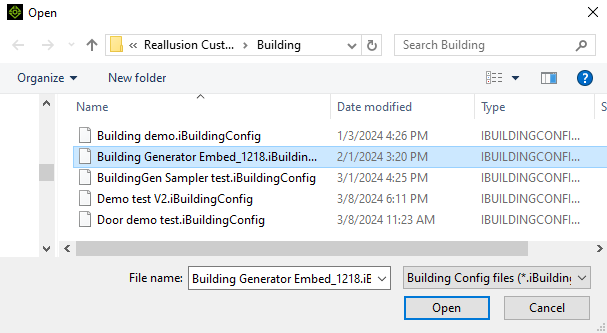
- Search and select the iBuildingConfig you want to import and click Open.
- The iBuildingConfig has been successfully imported into the BuildingGen Packager. You can now edit the building styles by customizing them with new components or resolve issues with existing components.